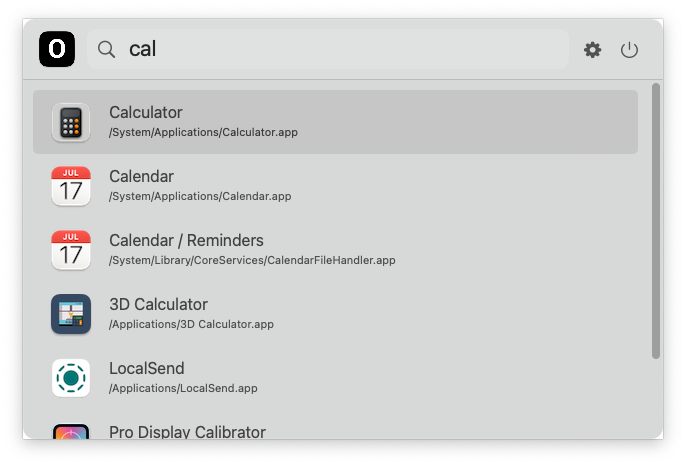
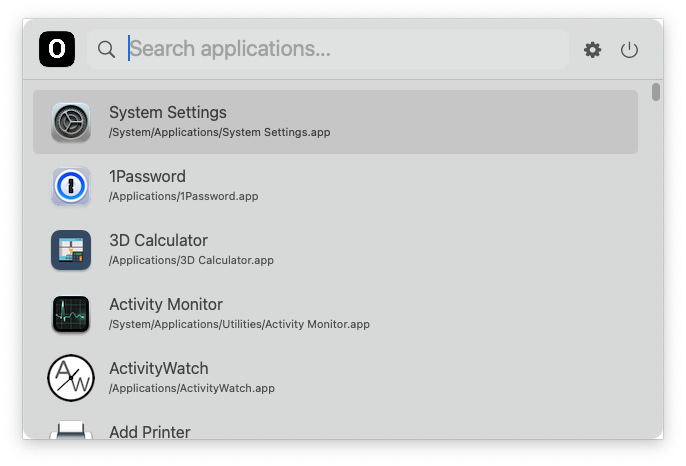
RoLauncher is a lightweight, native macOS application launcher. It’s the same project as OverLauncher, renamed and rewritten from Swift to Rust. It talks to AppKit directly via objc2, with no webview and no GUI toolkit.
- Source code: github.com/noroot/rolauncher
Features
- Fast Search: Real-time filtering of applications as you type
- Global Hotkey: Toggle with Cmd+Space (Carbon hotkey, no Accessibility permission needed)
- Usage ranking: Most-used apps first on an empty query, and as a tiebreak while typing
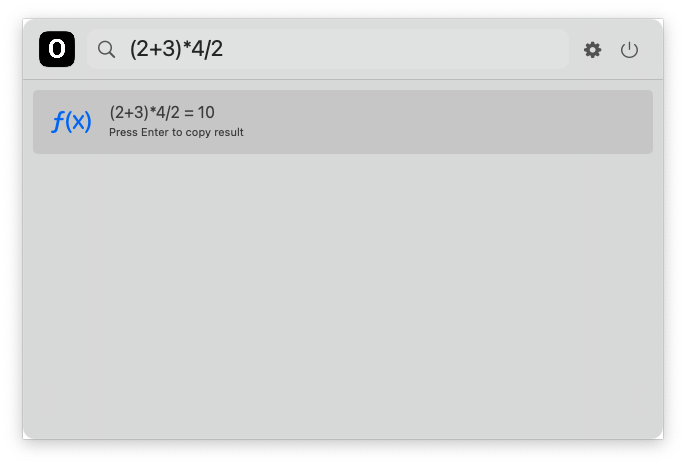
- Calculator: Type arithmetic like
(2+3)*4,10/4,2^10or10%3to get an inline result - Currency conversion: Type
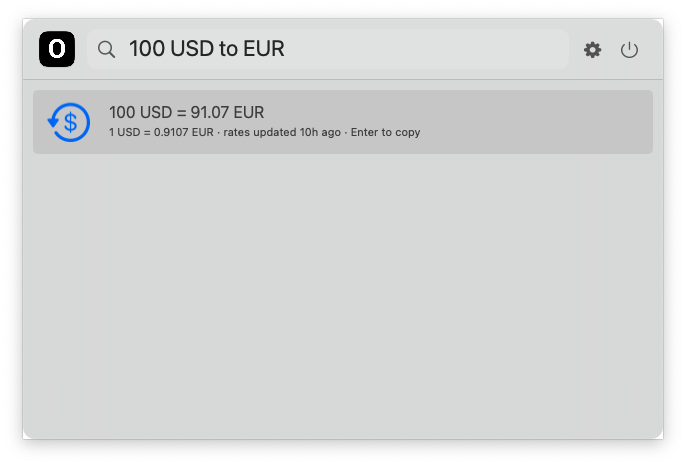
100 USD to EUR,100usd in eur,$100 to €,1,250.50 GBP = JPYor2*50 CHF -> USD - Application Discovery: Automatically finds apps in:
- “/Applications”
- “/System/Applications”
- “/System/Applications/Utilities”
- “/System/Library/CoreServices”
- Background App: Runs silently in the background (LSUIElement), not cluttering the dock
Usage
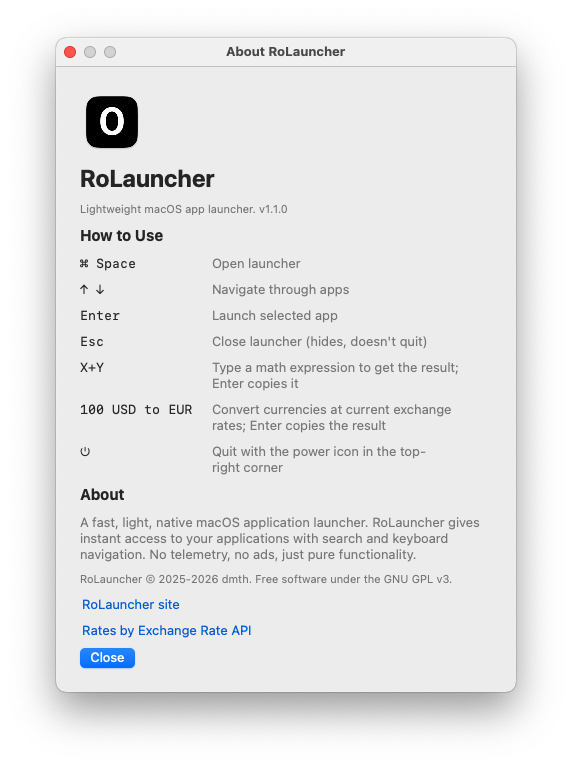
| Key | Action |
|---|---|
| ⌘ Space | Toggle launcher (disable Spotlight’s shortcut in System Settings → Keyboard → Shortcuts) |
| ↑ ↓ | Move selection |
| Enter | Launch app / copy calculation result |
| Esc | Hide launcher |
| ⌘ , | About |
| ⌘ Q | Quit |
Currency symbols $ € £ ¥ ₽ ₴ ₹ ₩ ₺ ₪ ₿ map to USD, EUR, GBP, JPY, RUB, UAH, INR, KRW, TRY, ILS, BTC. Enter copies the converted amount.
Rates come from Exchange Rate API’s free endpoint (open.er-api.com, ~160 currencies, updated daily). They’re downloaded only when you type a conversion, cached in ~/Library/Application Support/RoLauncher/rates.json, refreshed when older than 6 hours, and keep working offline. This is the app’s only network access.
Launch counts live in ~/Library/Application Support/RoLauncher/usage.tsv (delete it to reset).
Permissions
- Not required
Build and install
git clone https://github.com/noroot/rolauncher
cd rolauncher
./install.sh               # build, copy to /Applications/RoLauncher.app, launch
./install.sh --no-launch   # build and install only
INSTALL_DIR=~/Applications ./install.sh
The script quits a running copy before replacing it. To start at login, add RoLauncher in System Settings → General → Login Items.
For development:
./bundle.sh                      # -> target/release/RoLauncher.app
cargo test                       # calculator + search unit tests
cargo run -- --show              # dev run, opens the panel immediately
Why do you need this ?
- If you’ve switched off Spotlight indexing as I did, you get zero items in search results and can’t even launch an app through it. RoLauncher replaces the Spotlight search bar so you can still run programs from the keyboard.
- Reasons behind switching off Spotlight.
License
GPL-3.0-or-later. Distributed WITHOUT ANY WARRANTY.
Screenshots